Building a Simple but Reliable Backup System for a Self-Hosted Ghost Blog
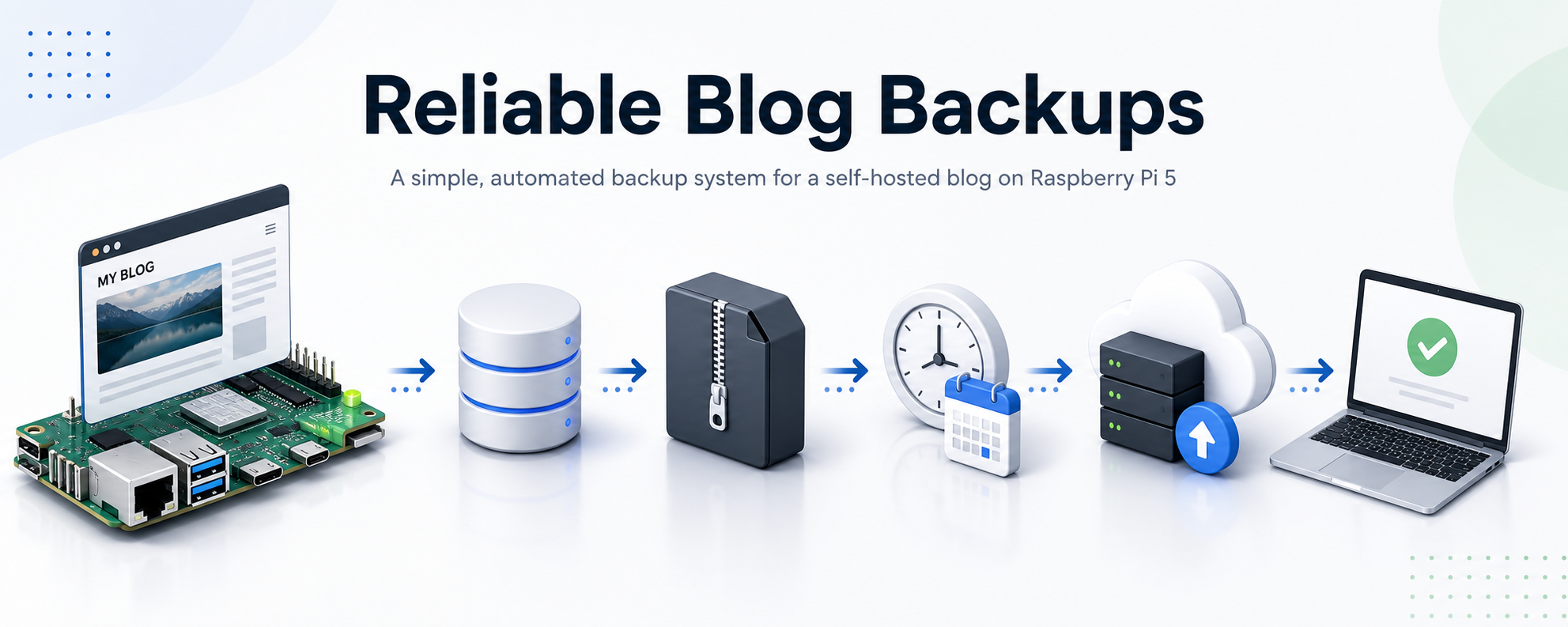
When running a self-hosted blog, everything eventually comes down to one question:
If the server dies tomorrow, how quickly can the site be restored?
In a cloud-managed system, backups are usually handled automatically. But when running a self-hosted setup on a Raspberry Pi, responsibility shifts completely to the person managing the system.
This article walks through how a simple but reliable backup system was built for a Ghost CMS installation running on a Raspberry Pi 5, using MySQL, rclone, cron automation, and Backblaze B2 storage.
The Scenario
The system in question is a self-hosted installation of Ghost CMS running on a Raspberry Pi 5.
The goal is to ensure that:
- Blog content is never lost
- The database is safely backed up
- Backups are stored off-device
- Recovery is possible even after full hardware failure
- The process runs automatically without manual intervention
At a high level, the system consists of:
- Ghost CMS handling the blog content
- MySQL storing structured data
- A Raspberry Pi acting as the host system
- rclone syncing backups to Backblaze B2 cloud storage
- cron scheduling automated execution
What Needs to Be Backed Up
A Ghost installation is not just a single file. It consists of multiple components:
1. Content Files
These include:
- uploaded images
- themes
- settings files
- static assets
In this setup, they live under:
/home/ghost/ghost-blog/content2. Database
Unlike simpler setups that use SQLite, this system uses MySQL.
The database stores:
- posts
- users
- tags
- configuration
- site structure
This is the most critical part of the system.
3. Configuration Files
These define how Ghost connects to the database and runs the server:
config.production.jsonThis file includes:
- database credentials
- server configuration
- site URL
- logging configuration
Why Offsite Backups Matter
A common mistake in self-hosted setups is keeping backups on the same device as the production system.
This does not protect against:
- SD card failure
- SSD corruption
- accidental deletion
- hardware failure
- power loss issues
To solve this, backups are pushed to external object storage using:
- rclone
- Backblaze B2
This ensures that even if the Raspberry Pi fails completely, the data still exists elsewhere.
The Backup Strategy
The final backup process follows a simple pipeline:
- Copy Ghost content directory
- Dump MySQL database
- Package everything into a timestamped archive
- Upload to cloud storage
- Retain version history for rollback
Each backup is timestamped, meaning every run creates a unique recovery point.
Automating the Process with Cron
Instead of relying on manual execution, the backup process is scheduled using cron.
A nightly job is configured to run at a fixed time:
- once per day
- fully unattended
- with logging enabled
This ensures that backups continue even if the system owner forgets about them.
Versioning Backups
Each backup is stored with a timestamped name, such as:
2026-05-19-02-00.tar.gzThis approach provides:
- multiple recovery points
- rollback capability
- protection against corrupted backups
- historical state restoration
Instead of overwriting previous backups, every run creates a new version.
Why rclone + Backblaze B2
The system uses rclone to sync backups to Backblaze B2 cloud storage.
This combination works well because:
- rclone is lightweight and scriptable
- Backblaze B2 is inexpensive object storage
- uploads are incremental and reliable
- it works well on low-power devices like Raspberry Pi
Once configured, backups behave like a simple file copy process, even though they are stored remotely.
Recovery Model
In a failure scenario, recovery is straightforward:
- Provision new system
- Restore Ghost installation
- Download latest backup archive
- Extract content and database dump
- Import database into MySQL
- Start Ghost service
Because backups are self-contained, full recovery is possible without relying on the original machine.
Key Lessons Learned
A few important lessons emerged during setup:
- Ghost installations vary depending on deployment method (systemd vs Docker vs manual install)
- MySQL requires proper authentication handling for automated backups
- cron environments differ from interactive shells
- backup scripts must be deterministic and predictable
- cloud storage becomes the single source of truth for recovery
Final Outcome
The final system is:
- fully automated
- self-healing through scheduled execution
- version-controlled through timestamped archives
- stored off-device in cloud storage
- capable of full disaster recovery
What started as a simple blog installation has become a small but complete production-grade backup system.
The Takeaway
Self-hosting is not just about running applications — it is about owning responsibility for their data lifecycle.
A working system is not enough.
A recoverable system is what matters.